How to Remote Start Your Volvo XC60 With the Key?

You’re standing at the window watching frost creep across your windshield, key fob in hand, wondering why pressing “lock” over and over isn’t warming up your car. Here’s the button sequence that actually works — and why it might not work at all on your specific XC60.
TL;DR
- On XC60 models with a factory remote-start key fob (roughly 2012–2017), press Lock, then press and hold the Approach Light button for about two seconds to start the engine.
- Newer XC60 models (2018 and later, especially the current SPA-platform generation) generally don’t have a remote-start button on the key fob at all — remote start runs through the Volvo Cars app instead.
- The car must be in Park with all doors locked before remote start will activate, and it shuts off automatically if a door opens or the brake is pressed.
- Remote start won’t activate on very low fuel or a weak 12V battery.
- If your key fob has no remote-start button, aftermarket modules exist, but they can affect warranty and dealer diagnostics — worth weighing carefully.
How Do You Remote Start a Volvo XC60 With the Key Fob?
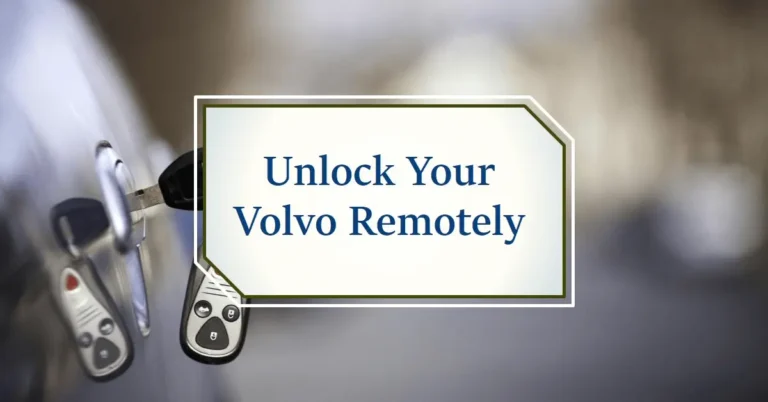
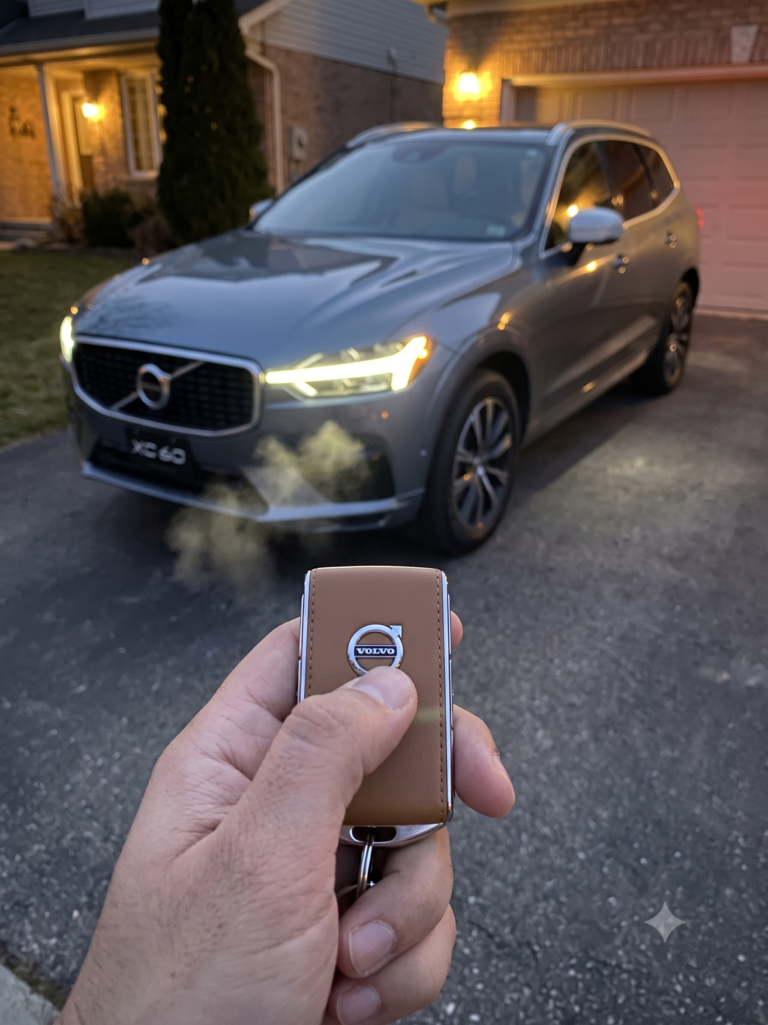
If your XC60 has factory remote start built into the key fob, the sequence is simple: make sure the car is unlocked, then locked again, and press and hold the button with the light icon (often called the Approach Light button) for about two seconds after a quick press of Lock. The engine starts, headlights flash briefly to confirm, and the climate system begins pre-conditioning the cabin.
I’ve pulled this from current Volvo dealer service documentation and owner forum reports, since Volvo’s remote-start implementation has changed enough across model years that getting the button sequence wrong is the most common complaint owners run into.
Pull quote: “The exact same key fob look can hide two totally different remote-start systems depending on your XC60’s model year.”
Step-by-Step: Key Fob Remote Start (2012–2017 XC60)
- Confirm your fob has the feature. Look for a small light-bulb or “torch” icon button on the fob — that’s the Approach Light button doing double duty as the remote-start trigger.
- Lock the vehicle. Press the Lock button once; all doors must be closed and locked for the system to arm.
- Press and hold the Approach Light button for about two seconds. The engine starts, and you’ll typically see a brief headlight flash as confirmation.
- Wait for the cabin to pre-condition. The climate system automatically adjusts to outside temperature — heat and defrost in winter, A/C in summer — along with heated seats and mirrors if equipped.
- When ready to drive, unlock the car normally and start it the standard way with the key fob inside. Remote-started engines won’t let you drive until you do this.
Quick Tip: If nothing happens, check your range first. Older 6-button keys reach up to roughly 328 feet, while 5-button versions top out around 65 feet — try moving closer before assuming something’s broken.
Why Doesn’t My Newer XC60 Have This Button?
Volvo shifted its remote-start strategy as it moved to the SPA vehicle platform and leaned into smartphone connectivity. If you own a 2018 or newer XC60, especially anything from the current generation, don’t expect a dedicated remote-start button on the fob — the feature moved to the Volvo Cars app.
Expert Insight: This trips up a lot of shoppers who cross-shop a used early-2010s XC60 against a newer one expecting identical fob functionality. Always check the actual key fob buttons in person rather than assuming remote start carries over model to model.
Using the Volvo Cars App Instead
For current-generation XC60s, remote start lives inside the Volvo Cars app under the climate function. Open the app, go to climate control, choose how many minutes from now you want the car to start (typically a window of 1 to 15 minutes), confirm, and verify your identity with your phone’s PIN, fingerprint, or face unlock.
The app version has one real advantage over the old fob button: range. As long as your phone has a cell signal, you can start the car from well beyond line-of-sight — useful if you’re starting the car from inside a building rather than standing near it.
Quick Tip: The app-based remote start can typically be triggered twice in a row before the car needs to be started normally with the key first. Plan around that if you’re pre-conditioning the cabin more than once before you actually leave.
Safety Conditions That Block Remote Start
Volvo builds in several safeguards regardless of whether you’re using the fob or the app, and understanding them saves a lot of troubleshooting time.
| Condition | What Happens |
|---|---|
| Car not in Park | Remote start won’t activate |
| Doors unlocked or open | Remote start won’t activate |
| Door opened after starting | Engine shuts off immediately |
| Brake pressed or shifter moved | Engine shuts off immediately |
| Fuel very low (roughly under 2–3 gallons) | Remote start won’t activate |
| 12V battery weak or low charge | Remote start won’t activate |
Expert Insight: Never remote start any vehicle, including an XC60, inside a closed garage. Exhaust buildup in an enclosed space is a genuine carbon monoxide risk even for a few minutes.
Real-World Scenario: Two Different Owners
Picture someone who just bought a used 2014 XC60 and finds a small light-icon button on their inherited key fob. A quick press-and-hold gets the engine running before their morning commute — no app, no subscription, just the hardware working as designed.
Now picture a family with a 2024 XC60 who assumes the same fob trick will work. It won’t, because their car never shipped with a remote-start button in the first place. Their path is the Volvo Cars app, which usually requires an active Volvo ID and, depending on the model year, a connected-services subscription after an initial trial period.
Pros and Cons by Owner Type
The Used-XC60 Buyer (2012–2017 Models)
- ✅ Pros: No app, subscription, or phone required — just the physical key fob
- ❌ Cons: Shorter range than app-based systems, and functionality depends entirely on that specific fob’s hardware
The Current-Generation Owner (App-Based)
- ✅ Pros: Much longer effective range, richer climate customization, works from indoors
- ❌ Cons: Requires a working phone, Volvo ID login, and possibly a paid connected-services plan after the trial period
The DIY/Aftermarket Installer
- ✅ Pros: Can add fob-button remote start to a car that never had it, without relying on an app or subscription
- ❌ Cons: Installation involves splicing into vehicle wiring, may complicate future dealer diagnostics, and isn’t Volvo-supported
Frequently Asked Questions
Why won’t my Volvo XC60 remote start with the key fob? Most commonly, either your specific model year never included a remote-start button on the fob (newer models use the app instead), or a safety condition like low fuel, a weak battery, or unlocked doors is blocking it.
What button do I press on the key fob to remote start a Volvo XC60? On models with factory remote start, press Lock once, then press and hold the Approach Light button (the one with the light-bulb icon) for about two seconds.
Can I add remote start to a Volvo XC60 that doesn’t have it? Yes, aftermarket modules exist that add fob-button remote start to XC60s without the factory feature, though installation involves wiring work that isn’t Volvo-endorsed.
How far away can I remote start my Volvo XC60? Fob-based systems typically range from about 65 to 328 feet depending on the key model, while app-based remote start works anywhere your phone has cell signal.
Is it safe to remote start my XC60 in a closed garage? No. Never remote start any vehicle in an enclosed space — exhaust fumes can build up quickly and pose a serious carbon monoxide risk.
Key Takeaways
- Older XC60 key fobs (roughly 2012–2017) use a Lock, then hold Approach Light sequence for remote start.
- Most 2018-and-newer XC60s skip the fob button entirely in favor of the Volvo Cars app.
- Remote start always requires the car to be in Park with doors locked, and it cancels if a door opens or the brake is touched.
- Low fuel or a weak 12V battery will silently block remote start on any system.
- Never remote start a car inside a closed garage, regardless of which method you use.
Your Next Step
Check your key fob for a light-bulb icon button first — if it’s there, try the Lock-then-hold sequence. If it’s not, download the Volvo Cars app and set up remote start through the climate function instead.