How to Reset the Maintenance Light on a Volvo XC60?

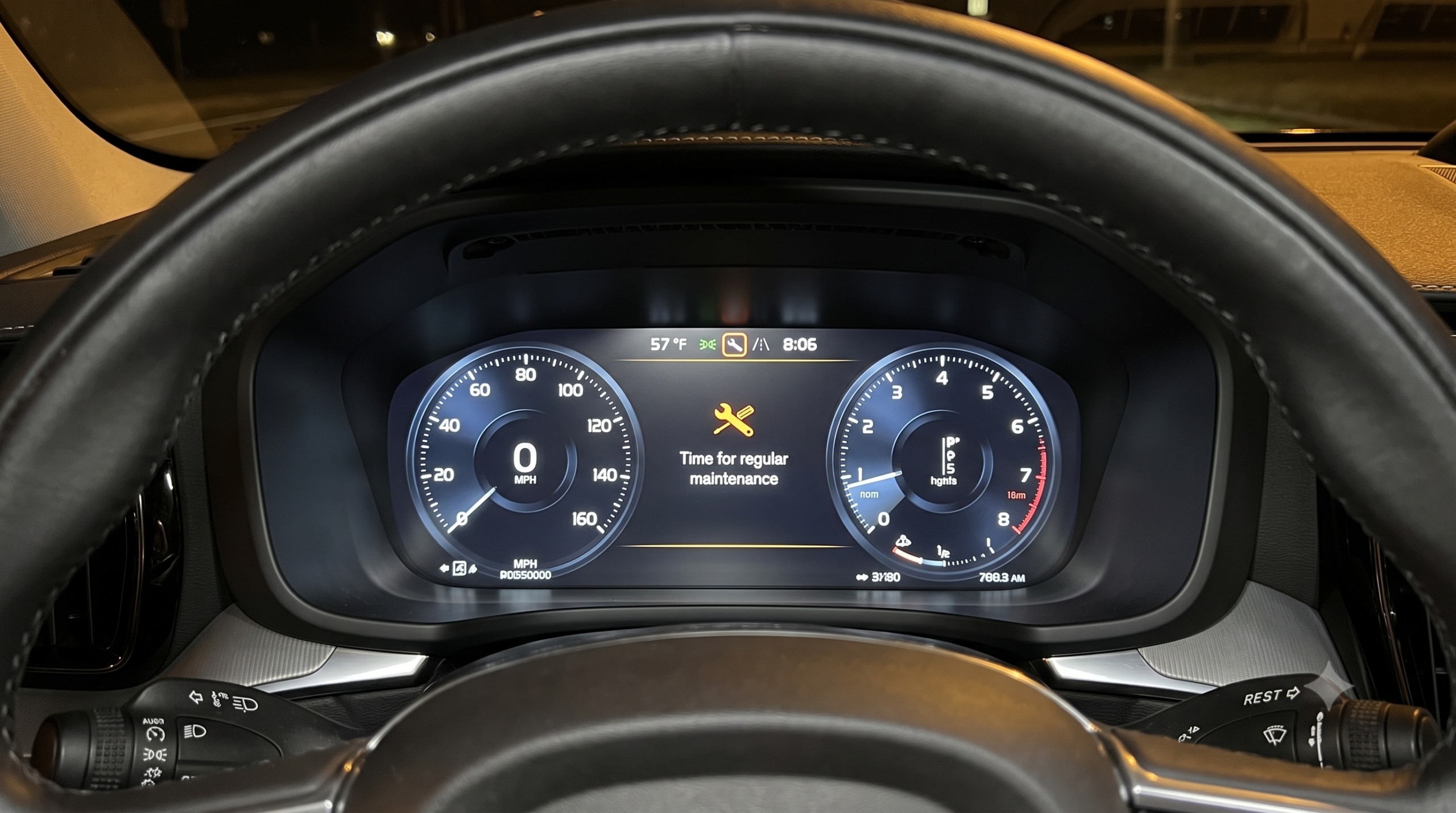
You just changed the oil yourself, or the dealer forgot a step, and now “Time for Regular Maintenance” is stuck on your dash like it doesn’t believe you. The good news: resetting it takes about 15 seconds once you know the sequence — and it’s different depending on which XC60 generation you own.
TL;DR
- The reset method depends on your platform: 2010–2017 XC60s use the trip odometer (T1/T2) button; 2018-and-newer models use the steering wheel “OK” button.
- The core trick on every generation: cycle the ignition through specific positions while holding the reset button, without starting the engine.
- Only reset after maintenance is actually completed — resetting early just hides a real due date, it doesn’t extend it.
- A reset won’t clear diagnostic trouble codes (DTCs) — if you see “Engine System Service Required,” that’s a different, separate issue.
- If the standard sequence doesn’t work, a weak 12V battery is the most common silent cause — check that before assuming the reset itself failed.
The Quick Answer
To reset the maintenance light on a Volvo XC60, put the ignition in accessory mode (engine off), press and hold the reset button — the trip odometer button on 2010–2017 models or the steering wheel “OK/i” button on 2018-and-newer models — then cycle the ignition to the “on” position while still holding it. Hold for about 10 seconds until the indicator light flashes, then release; you’ll hear a confirmation beep. Newer infotainment systems also offer a menu-based reset under Settings as an alternative.
Method 1: 2010–2017 XC60 (Trip Odometer Method)
Step-by-Step
- With your foot off the brake, press the start button once to put the ignition in position I (accessory mode) — the engine should not start.
- Set the trip odometer to T2 using the stalk thumbwheel.
- Press and hold the trip odometer reset button.
- While still holding it, press the start button again to move to position II, until the instrument cluster lights come on.
- Keep holding the button for about 10 seconds.
- Release when the information lamp starts flashing — you’ll hear a beep confirming the reset succeeded.
Quick Tip: The key detail people miss is setting the trip odometer to T2 before pressing and holding the reset button, not after. Doing it out of order is the most common reason this sequence doesn’t take on the first try.
Method 2: 2018-and-Newer XC60 (Steering Wheel OK Button)
Step-by-Step
- With your foot off the brake pedal, press the start knob once to enter accessory ignition mode without starting the engine.
- Press and hold the OK/i button on the left steering wheel keypad.
- While still holding it, press the start knob again to move to ignition position II.
- Continue holding for roughly 10 seconds, until the information symbol begins to flash and “Reset in progress” may appear on the display.
- Release the button, then turn off the ignition and leave it off for at least a few minutes to let the reset fully register.
Expert Insight: Confirm the reset actually stuck by restarting the car afterward and checking that the maintenance message is genuinely gone — not just dismissed from view. If it reappears on the next start, the sequence didn’t complete, and repeating it slowly and deliberately usually works better than rushing through it a second time.
Method 3: Menu-Based Reset (Sensus and Google Built-In Systems)
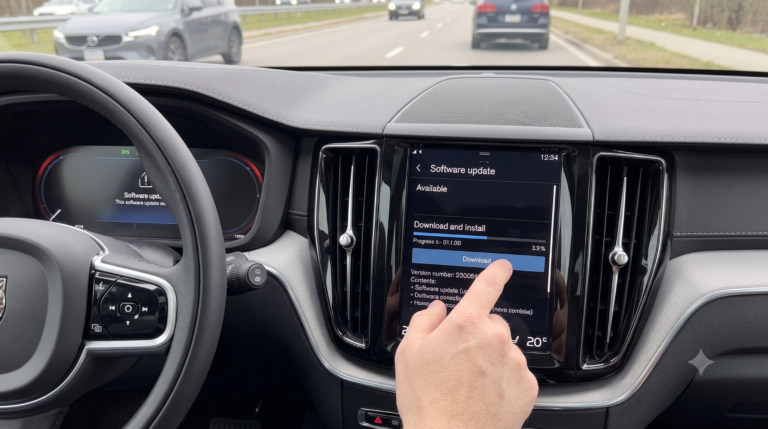
On newer infotainment systems, there’s often a more direct alternative to the steering-wheel button sequence: navigate to Settings, find the Vehicle Service (or similarly labeled) section, and look for a service reminder reset option directly in the menu. The exact menu path and labeling shift slightly by model year and software version, but it’s generally intuitive once you’re in the Settings area.
Real-world scenario: An owner performs the steering-wheel button sequence correctly, but the reminder reappears the next morning. Switching to the menu-based reset under Settings resolves it immediately — a reminder that if one method doesn’t stick, the other is worth trying before assuming something’s actually wrong with the car.
Important: Only Reset After Maintenance Is Actually Done
This isn’t just good practice — it’s the entire point of the system. The reminder tracks mileage and time since the last service, and resetting it early doesn’t push back when maintenance is actually due; it just makes the dashboard stop telling you. Volvo’s own guidance is explicit that the reset should only follow completed service, not precede it.
Quick Tip: If a dealer serviced your car and the reminder is still showing afterward, that usually means the shop simply forgot to perform the reset — not that anything is wrong with your vehicle. It’s worth a quick call before assuming you need to troubleshoot it yourself.
If the Reset Won’t Take
A handful of specific issues account for most failed reset attempts:
- Wrong ignition mode or releasing the button too soon — the timing genuinely matters; rushing the sequence is the most common self-inflicted cause.
- Low 12V battery voltage — a weak battery can interfere with the ignition modes needed for the reset to register properly, even if everything else is done correctly.
- Platform mismatch — using the older trip-odometer method on a newer steering-wheel-based system (or vice versa) simply won’t work; confirm which platform your specific model year uses first.
- Genuine ECM/counter sync issue — occasionally the system won’t accept a manual reset due to a software or counter mismatch, which needs a dealer-level VIDA reset to resolve.
Comparison Table: Reset Methods by Generation
| Platform / Model Years | Reset Method | Key Button |
|---|---|---|
| P2 (early XC90-era platform) | Trip odometer button sequence | Trip reset button |
| P3 (2010–2017 XC60) | Trip odometer (T2) button sequence | Trip odometer reset button |
| SPA (2018+ XC60) | Steering wheel button sequence | OK/i button on left stalk |
| SPA with Sensus/Google infotainment | Menu-based reset (alternative) | Settings > Vehicle Service |
Pros and Cons by Owner Type
The DIY Oil-Changer
- ✅ A completely free, 15-second process once you know the correct sequence for your model year.
- ❌ Getting the ignition timing slightly wrong means starting over, which can feel fiddly the first time.
The Post-Dealer-Service Owner
- ✅ You don’t have to drive back to the dealership just because they forgot one button press.
- ❌ It’s worth double-checking with the shop first — a reminder that won’t clear can occasionally signal an unresolved counter sync issue, not just a missed reset.
The Owner Facing a Different Warning
- ✅ Understanding that the maintenance reminder and an “Engine System Service Required” message are separate systems saves confusion.
- ❌ If you have an actual fault code, resetting the maintenance reminder does nothing to address it — that needs diagnosis first.
FAQ
Q: Will resetting the maintenance light clear diagnostic trouble codes? A: No. The maintenance reminder is purely a mileage/time counter. If you’re seeing an “Engine System Service Required” message, that’s a separate issue requiring actual diagnosis, not a reminder reset.
Q: Can I reset the light using the Volvo Cars app or the infotainment system alone? A: Generally no for the mileage counter itself — the reset is done through the instrument cluster using steering wheel controls, the trip odometer method, or a scan tool, not through the app.
Q: Why does the reminder come back immediately after I reset it? A: Usually the sequence didn’t fully complete — often from releasing the button too early or using the wrong ignition mode. A weak 12V battery can also interfere with the reset registering properly.
Q: Is it safe to reset the light myself if a shop did the actual service? A: Yes, if you’re confident the maintenance was genuinely completed. It’s still worth flagging with the shop, since a persistently reappearing reminder can occasionally point to an unresolved sync issue rather than a simple missed button press.
Q: Does my XC60 use the trip odometer method or the steering wheel button method? A: Generally, 2010–2017 models use the trip odometer (T2) sequence, while 2018-and-newer models use the steering wheel OK/i button — confirm against your specific model year if you’re unsure.
Key Takeaways
- The reset method depends on your platform generation — older models use the trip odometer button, newer models use the steering wheel OK button.
- The core technique everywhere: hold the reset button while cycling the ignition, without starting the engine, until the indicator flashes.
- Only reset after maintenance is truly completed — it’s a counter, not a snooze button.
- A menu-based reset under Settings is available as a backup on many newer infotainment systems.
- If the reset repeatedly fails, check your 12V battery health before assuming the procedure itself is wrong.
Next Step
Confirm which platform generation your XC60 falls into, then run the matching button sequence with your foot off the brake and the engine off — most owners get it on the first try once they’re using the right method for their model year.