How to Use Remote Start on a Volvo XC90?

Cold mornings hit different when your XC90 is already warm before you’ve finished your coffee — and getting there takes about ten seconds once you know where to tap.
<cite index=”59-1″>Yes, the Volvo XC90 comes standard with remote engine start</cite>, and you can trigger it two ways: through the Volvo Cars app, or with a compatible key fob. Here’s exactly how to use both, plus what the car checks before it’ll actually start.
TL;DR
- Remote start works two ways: the Volvo Cars app (most reliable, works from anywhere) or a compatible key fob (short range, no phone needed).
- App method: open the app, select your XC90, tap the remote start icon, set your timer (1–15 minutes), and confirm with your phone’s unlock method.
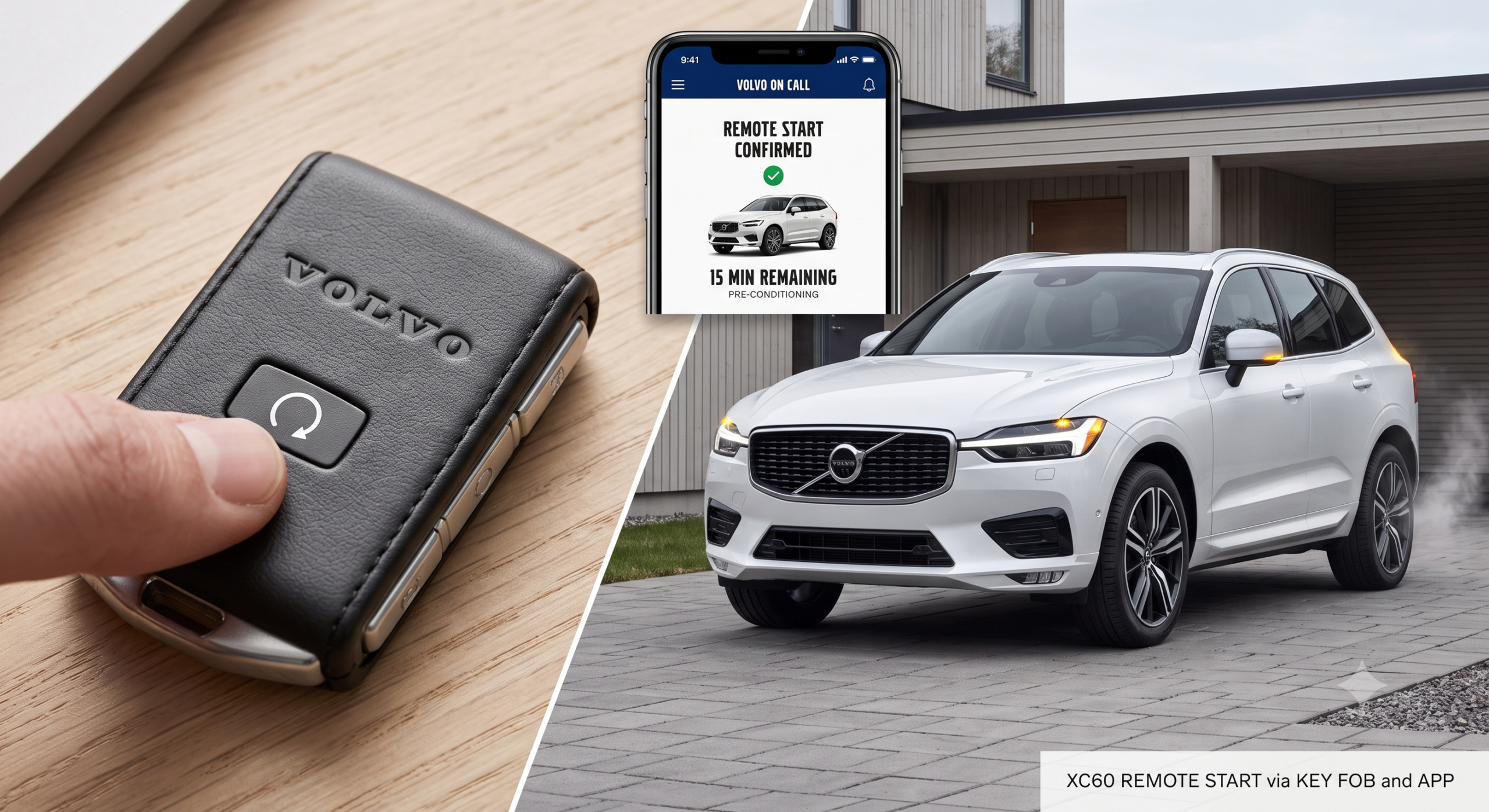
- Key fob method: press Lock, then immediately hold the Approach Light button for at least two seconds.
- The car runs a safety checklist first — locked doors, closed hood, Park gear, no people or animals nearby, and adequate fuel.
- You can’t drive while remote-started — the engine shuts off automatically the moment you unlock the vehicle or need to actually drive away.
How to Remote Start Your XC90 With the Volvo Cars App
The app is the most flexible option since it doesn’t depend on being within short range of the car.
Step 1: Open the app and select your vehicle. Log into the Volvo Cars app with your Volvo ID and make sure your XC90 is the active vehicle if you have more than one Volvo linked.
Step 2: Find the remote start function. <cite index=”61-1″>Go to the relevant tab and press the remote start icon</cite>.
Step 3: Set your timer. <cite index=”61-1″>Enter when you plan to start driving, in minutes, from 1 to 15 minutes from the current time</cite>.
Step 4: Confirm and verify your identity. <cite index=”61-1″>Confirm that you want to start the vehicle and verify your identity using your phone’s unlock method — PIN code, password, pattern, Touch ID, or Face ID</cite>.
That’s it — the engine starts, and climate control begins adjusting the cabin to your preferences.
Quick Tip: <cite index=”61-1″>You can activate remote start via the app twice in succession, but after that the vehicle needs to be started with the key before you can use the app to start it again</cite>. If you’re trying to pre-condition the cabin repeatedly on a bitter morning, keep that limit in mind.
How to Remote Start Your XC90 With the Key Fob
If your phone’s dead or you’re just standing near the car, the key fob offers a faster path — assuming your fob has the right button.
<cite index=”60-1″>Press the Lock button on the key fob quickly, then immediately hold down the Approach Light button for at least two seconds</cite>. <cite index=”60-1″>Once it’s activated successfully, the vehicle’s turn signals will flash to confirm the Engine Remote Start process has begun</cite>, and the engine and climate system take it from there.
Not every XC90 key fob supports this. <cite index=”64-1″>Some fobs are missing the fifth button needed for remote start entirely — without it, the key fob method simply isn’t available, and you’d need to rely on the app instead</cite>. If your fob only has lock, unlock, rear gate, and an emergency button, that’s likely your situation.
Expert Insight: Range matters more with the key fob than the app. Signal strength typically limits key fob remote start to roughly 100 feet of the vehicle — plan accordingly if you’re trying to start the car from inside your house.
What Your XC90 Checks Before It Will Actually Start
Remote start isn’t a blind command — the car runs through a full safety checklist first, and if any condition isn’t met, it simply won’t fire up.
<cite index=”61-1″>Before starting, the system verifies the vehicle is locked, no vehicle keys remain inside, the hood is locked, the vehicle is parked in Park with the engine off, and the vehicle is under supervision</cite>. <cite index=”61-1″>It also checks that there are no people or animals in or around the vehicle, that it isn’t parked in an enclosed space without ventilation, and that there’s no risk of anyone coming into direct contact with the vehicle during the process</cite>.
On top of the physical checks, <cite index=”61-1″>the system also verifies engine status is OK with no critical diagnostic trouble codes present</cite> before allowing the start to proceed.
Real-world scenario: You try to remote start your XC90 from your kitchen window on a snowy morning, but nothing happens. A quick glance outside reveals the trunk didn’t latch fully after loading groceries the night before — that alone is enough to block the whole sequence until it’s properly closed.
Comparison: App vs. Key Fob Remote Start
| Feature | Volvo Cars App | Key Fob |
|---|---|---|
| Range | Works from anywhere with connectivity | Roughly 100 feet |
| Requires phone | Yes | No |
| Climate scheduling | Yes, set exact minutes ahead | No scheduling, immediate start only |
| Works with all XC90s | Depends on subscription/connectivity | Depends on fob having the 5th button |
| Repeat-use limit | Twice before requiring a key start | No documented limit |
Pros and Cons by Owner Type
The Cold-Climate Commuter
- ✅ App lets you schedule the exact minute you want the cabin warm
- ✅ Heated seats and mirrors activate automatically alongside the engine
- ❌ Twice-in-a-row app limit can be inconvenient on especially frigid mornings
The Owner Who Forgets Their Phone
- ✅ Key fob method needs no connectivity or battery beyond the fob itself
- ❌ Only works if your specific fob has the Approach Light remote-start button
- ❌ Limited range compared to the app
The Plug-In Hybrid (Recharge) Owner
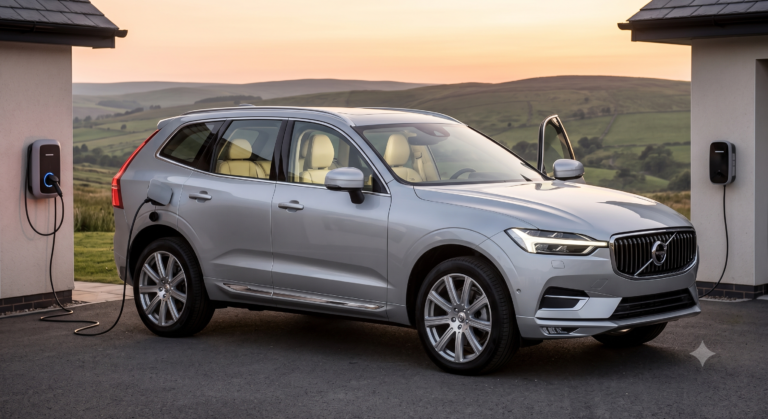
- ✅ Can precondition the cabin using grid power while still plugged in, saving fuel
- ✅ Ideal for both winter warm-ups and summer cool-downs without idling the engine
- ❌ Some remote start functions are specific to Recharge models with fuel heaters, so confirm what your trim supports
Frequently Asked Questions
Can I drive my XC90 while it’s remote-started? No. <cite index=”61-1″>For safety reasons, it isn’t possible to drive the vehicle after remote starting it via the app — the engine will run until you depress the brake pedal and press the start button, or until it shuts off automatically</cite>. Unlocking the vehicle after a remote start similarly stops the engine as a security measure.
Why won’t my remote start work? The most common culprits are low fuel, an open hood or trunk, the transmission not being in Park, a dead key fob battery, or an outdated Volvo Cars app. Work through the checklist in order before assuming there’s a mechanical issue.
Does every XC90 key fob support remote start? No — some fobs are missing the button needed to trigger it. If yours only has lock, unlock, trunk, and emergency buttons, you’ll need to use the app instead.
Is it safe to remote start in an enclosed garage? No. The system is designed to avoid this, and you should never remote start a vehicle in an enclosed or poorly ventilated space regardless of what the safety checks allow.
How long does remote start run before shutting off? Through the app, you set the duration yourself, up to 15 minutes. The engine will also shut off automatically once you unlock the vehicle or start it conventionally with the key.
Key Takeaways
- Two ways to remote start: the Volvo Cars app (flexible, works from a distance) or the key fob (fast, short-range, requires the right button).
- App steps: open app, select remote start, set your timer, confirm with your phone’s unlock method.
- Key fob steps: press Lock, then hold the Approach Light button for at least two seconds.
- A full safety checklist runs automatically — locked doors, closed hood, Park gear, no people or pets nearby, and adequate fuel.
- You cannot drive while remote-started; the engine shuts off the moment you unlock the car or start driving.
Next step: If your key fob doesn’t have an Approach Light button, download the Volvo Cars app and link your XC90 by VIN — it’s the more reliable method regardless of which fob you have.