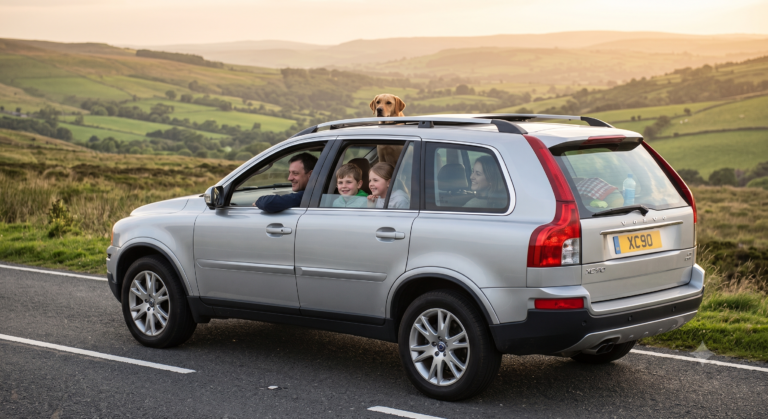
How to Use Park Assist in a Volvo XC90?

Parallel parking a three-row SUV shouldn’t feel like a driving test, but plenty of XC90 owners never touch the parking tech Volvo already built into their car.
This guide is compiled from Volvo’s official support documentation across multiple XC90 model years, so the steps line up with what’s actually on your dash, not a generic explainer.
TL;DR
- Front and side sensors turn on automatically when you start the engine; rear sensors activate in reverse.
- The Park Assist button (or camera icon) in the center display can turn the system on or off manually.
- Beeps get faster and the display graphic changes color as you get closer to an obstacle.
- Some XC90s add Park Assist Pilot, which can steer the car into a spot for you.
- Sensors can be fooled by dirt, snow, or unusual obstacle shapes — always keep an eye out yourself too.
Here’s the short version: Volvo’s Park Assist turns on by itself when you start driving or shift into reverse, uses sensors and a center-display graphic to show how close you are to obstacles, and can be adjusted or turned off manually through the Park Assist button or camera view.
What Park Assist Actually Does
Park Assist isn’t one single feature — it’s a small family of tools working together to help you judge distance in tight spaces. Understanding the pieces makes the whole system much less confusing.
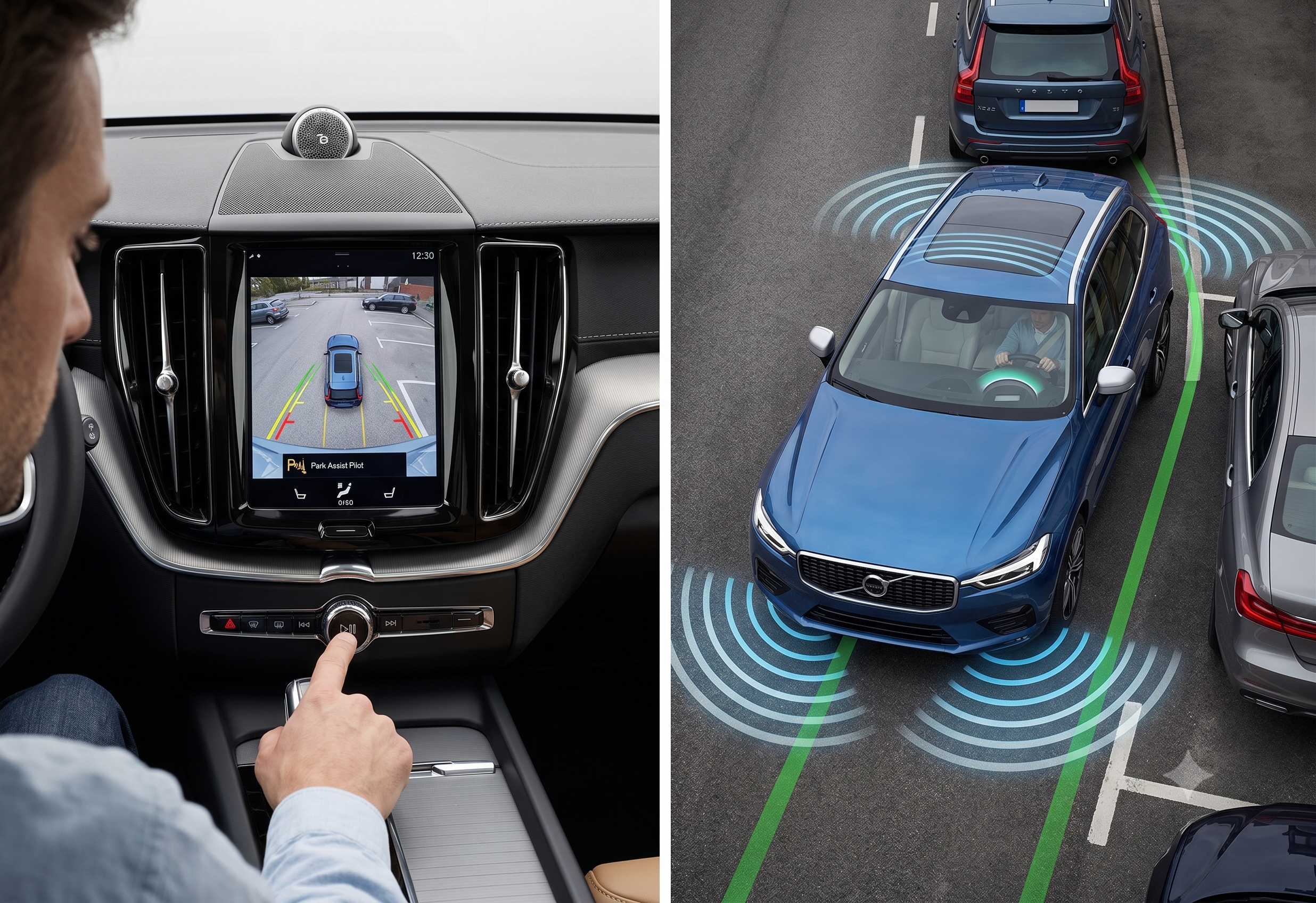
The core is the Parking Assistance System (PAS), which uses sensors to warn you about obstacles with beeps and a graphic in the center display. Many XC90s also add a Park Assist Camera, giving you a live video view instead of just sensor beeps. Higher trims may include Park Assist Pilot, which can actively steer the car into a parallel or perpendicular spot while you control the pedals.
Quick Tip: Not every XC90 has every feature — camera and Pilot functions are often trim-dependent, so check your specific build sheet if a button seems to be missing.
How to Turn On Park Assist
The front and side sensors don’t need you to do anything — they’re automatically activated when the engine is started. The rear sensors kick in on their own too, activating when the car rolls backward or reverse gear is engaged.
If you want to turn the system off (or back on) manually, there’s a dedicated button for it.
- Look for the Park Assist button in the center display’s function view, or the camera icon at the bottom of the screen.
- Tap it once to toggle the system — an illuminated or green button means it’s active.
- On cars with a Park Assist Camera, you can also activate or deactivate the system directly from the camera view screen.
- Drive or reverse toward a space, and watch the display for the obstacle graphic.
Expert Insight: You almost never have to think about turning Park Assist on for daily driving — it’s the off button that’s worth remembering, for situations like tight garages where constant beeping gets old fast.
Using the Park Assist Camera
The camera view is where Park Assist becomes genuinely useful rather than just a warning beep. It layers a live picture on top of the sensor data so you can actually see what’s behind or beside the car.
The park assist camera activates automatically when reverse gear is engaged, or you can start it manually with a function button in the center display. On most systems, the front camera view switches off once you’re driving faster than 25 km/h (16 mph) so it doesn’t distract you at speed, and comes back automatically if you slow back down within about a minute.
Bold takeaway: the camera doesn’t just show a rear view — many XC90s default to a 360-degree top-down view, which is often more useful for judging tight side clearance than a straight rear shot.
Understanding the Warning Sounds and Display
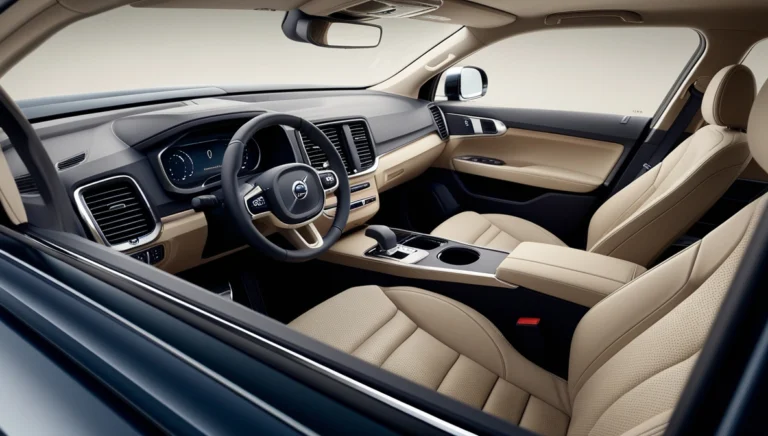
Once Park Assist is active, the center display shows your car as a small icon surrounded by sector boxes representing zones around the vehicle. When an obstacle is detected, the corresponding sector highlights, and the closer you get, the faster the beeping and the more the color shifts from a caution shade toward red.
At roughly 25 cm (about 10 inches) from an obstacle on the sides, the tone becomes rapid and continuous, and the display sector turns red as a final warning. The system also automatically mutes other audio so you can hear the warning tones clearly.
Quick Tip: You can adjust the Park Assist volume from the settings menu in the camera view if the beeping feels too loud or too quiet for your taste.
Comparison: Park Assist Features by Type
| Feature | What It Does | Activation |
|---|---|---|
| Parking Assistance System (sensors) | Beeps and on-screen graphic for obstacle distance | Automatic on engine start / reverse |
| Park Assist Camera | Live video view (rear or 360°) | Automatic in reverse or manual button |
| Park Assist Pilot | Steers the car into a spot; driver controls pedals | Manually selected in camera view |
The takeaway: most drivers use the sensors and camera daily, and reach for Park Assist Pilot specifically for tight parallel or perpendicular spots that would otherwise take several attempts.
Real-World Scenario: Parallel Parking with Park Assist Pilot
Imagine you’re circling a crowded street looking for a spot, and you finally spot a gap that looks just barely big enough. On XC90s equipped with Park Assist Pilot, you can select the function from the camera view, let the system detect a suitable space as you creep past it, then simply control the brake and accelerator while the steering handles itself.
It’s not fully hands-off — you’re still watching for pedestrians and controlling speed — but it takes the guesswork out of the wheel angle, which is usually the hardest part of a tight parallel park.
Pros & Cons by Owner Type
The City Driver
- Pros: Frequent tight parking makes the camera and sensors genuinely time-saving
- Cons: Constant beeping in a crowded garage can get repetitive fast
The New XC90 Owner
- Pros: Sensors and camera work automatically with zero learning curve
- Cons: Park Assist Pilot has a bit of a learning curve on trust — first-time users often instinctively grab the wheel
The Off-Road or Rural Driver
- Pros: System stays out of the way at highway speed and doesn’t interfere with normal driving
- Cons: Mud, snow, or brush can occasionally trigger false sensor warnings
Alternatives Worth Considering
Manual mirrors and camera only — choose this if you prefer full control and just want the visual reference without the sensor beeping.
Park Assist Pilot — choose this if you regularly struggle with parallel parking in tight urban spaces and your trim supports it.
Quick Tip: If you see a “Park Assist System Service Required” message, don’t ignore it — it usually points to a sensor or wiring issue that’s worth having a Volvo technician check.
FAQ
How do I turn on Park Assist in my Volvo XC90? Front and side sensors activate automatically when you start the engine, and rear sensors turn on in reverse; you can also toggle the system manually using the Park Assist button in the center display.
Why isn’t my Park Assist camera showing up? Make sure the camera view hasn’t been manually deactivated, check that the lens isn’t obstructed by dirt or debris, and try restarting the system if it still doesn’t appear.
What does Park Assist Pilot do differently from regular Park Assist? Regular Park Assist warns you about obstacles with sounds and a display graphic, while Park Assist Pilot can actively steer the car into a parking space while you manage the pedals.
Can I adjust the volume of the Park Assist warning beeps? Yes, the volume can be adjusted through the settings menu accessible from the camera view screen.
Why does my Park Assist give false warnings sometimes? Sensors can be affected by dirt, snow, unusual obstacle shapes, or certain angles, so treat the beeps as a helpful complement to your own visual check, not a total replacement for it.
Key Takeaways
- Front, side, and rear sensors mostly activate automatically — you rarely need to turn Park Assist on manually.
- The center display shows sector graphics and beeps that intensify as you approach an obstacle.
- The Park Assist Camera often defaults to a 360-degree view, which is more useful than a rear-only view for tight spots.
- Park Assist Pilot can steer the car into parallel or perpendicular spaces on equipped trims.
- Sensors have real limitations, so keep checking mirrors and surroundings even with the system active.
Next Step
Next time you’re parking, tap the camera icon in your center display before you back in — getting comfortable with the 360° view is the fastest way to start trusting the system.