Can’t Load Android System on Volvo EX30? Here’s How to Fix It (2026)

You climb into your EX30, press the brake — and the central screen stays black, freezes on the Volvo logo, or shows an Android recovery message: “Can’t load Android system.” Your speedometer, climate controls and cameras all live on that one screen, so a failed boot makes the whole car feel broken.
Usually it’s a software problem, fixable in minutes. This guide covers the official reset procedure (many guides get the buttons wrong), the updates that fixed the known boot bugs, and when to call the dealer.
- Restart the display via the steering wheel: stationary, parking brake on, hold decrease set speed + decrease volume until the screen changes. Volvo’s official EX30 procedure — erases nothing.
- “Can’t load Android system” is Android’s recovery screen — usually a corrupted or interrupted software load, not dead hardware. Choose “Try again” before anything drastic.
- Software 1.8 (Jan 2026) fixed an “interrupted start-up” display bug; 2.1.2 (Aug 2026) moved the car to Android 15. Being months behind on updates alone can explain repeated boot failures.
- ~72,000 EX30s were recalled in 2024 for a test-screen bug hiding the speedometer — fixed over the air. Persistent black screens on an updated car mean a dealer visit.
- Factory reset is owner-only and wipes everything. Leave 12V battery work to Volvo Assistance or the dealer.
What “Can’t load Android system” actually means on the EX30
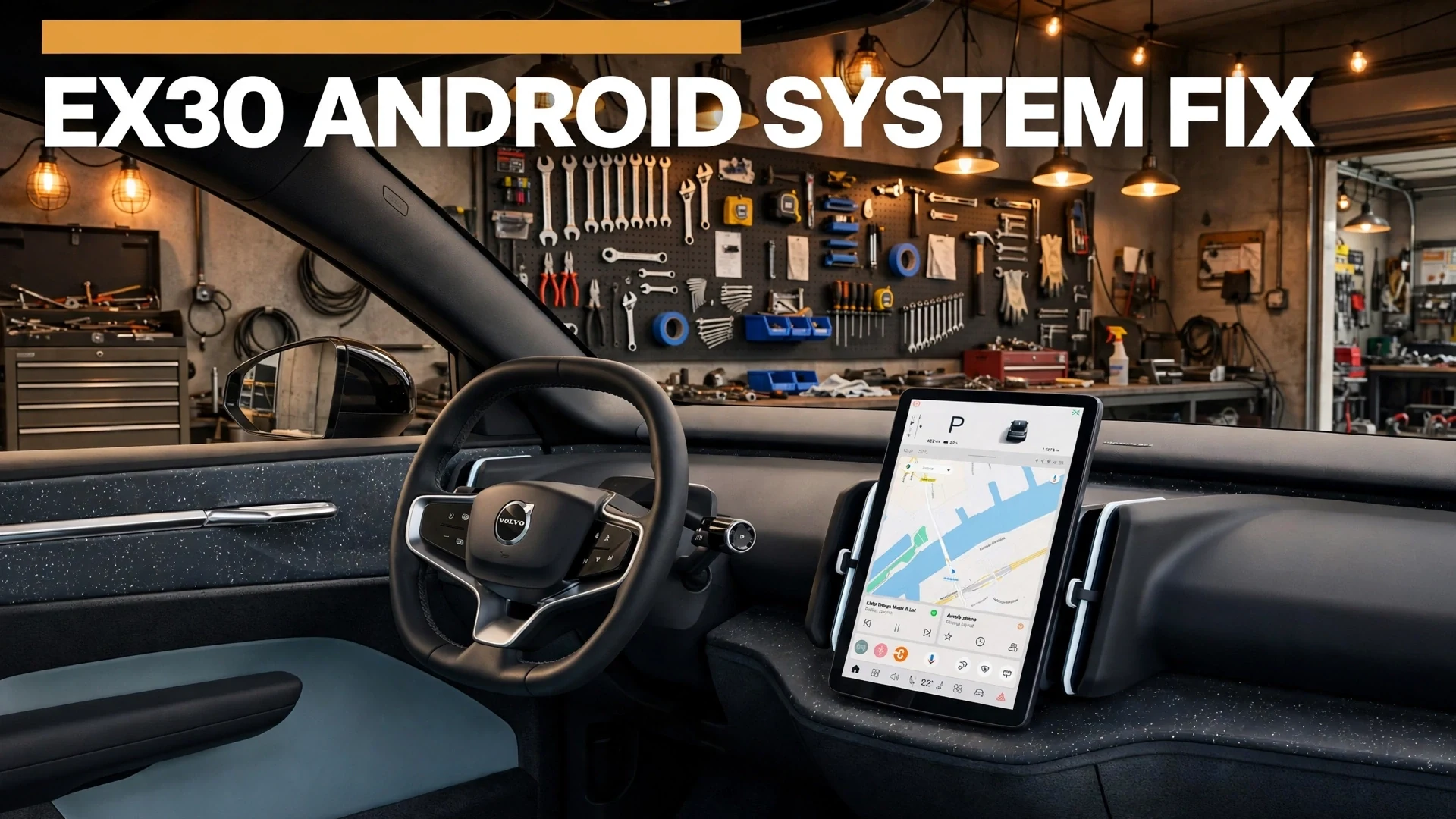
The EX30 runs Android Automotive OS — a full OS embedded in the car. Think layers: vehicle software at the bottom, Android/Google services in the middle, Volvo’s interface on top. “Can’t load” means a layer stalled during boot — almost always software, not hardware. A phone freezing on its logo, not a fried motherboard.
The literal “Can’t load Android system” message is Android’s built-in recovery screen. It appears when the system suspects its data is corrupt — the classic trigger is an interrupted software update. The screen usually offers “Try again” and “Factory data reset”: always try “Try again” first.
Android Auto is not Android Automotive: the latter is the car’s OS; Auto is phone projection (added in 1.7.1; CarPlay in 1.4.2). Phone-projection trouble is a different problem from a failed boot.
With no instrument cluster, the speedometer and every warning live on that one display — which is why Volvo recalled ~72,000 cars in 2024 when a bug could hide the speedometer.
Step 0: match your symptom to the right fix
Pick the symptom that matches your car right now:
Fix 1: restart the display the official way
This fixes most frozen screens, black screens and failed boots — and deletes nothing. The procedure comes from the EX30 user manual (section 3.1.4):
- Stop completely and apply the parking brake. The restart only works at a standstill.
- Simultaneously press and hold the decrease set speed and decrease volume buttons on the steering wheel.
- Keep holding until the display changes — the screen goes dark, then the Volvo logo reappears. This can take 20+ seconds.
- Wait up to a minute for the system to fully boot before touching anything.
- If nothing changes, try once more.
Important correction: many guides tell EX30 owners to hold the play/pause button on the tunnel console. That is the EX90’s procedure — the EX30 manual specifies the two steering-wheel buttons. Using the wrong combination is a common reason owners conclude “the reset doesn’t work.”
Fix 2: follow the triage ladder
If the restart didn’t solve it, work down this ladder — stop at the first rung that fixes your car:
Fix 3: check for a software update
Many “can’t load” failures trace back to a stalled or half-installed update. To check yours: vehicle symbol → Settings → System → Software update, and confirm automatic downloads are enabled in the Volvo Cars app.
Per Volvo: updates arrive OTA about three weeks after the release date, and after installing, lock the car for 30 minutes without charging so modules settle. Interrupting that window is one way a “can’t load” error is born.
The updates that matter most for boot and display issues, from Volvo’s official EX30 release notes:
| Version | Released | Why it matters for this problem |
|---|---|---|
| 1.3.1 | Apr 30, 2024 | OTA fix for the “test-screen” bug behind the ~72,000-car recall that hid the speedometer. |
| 1.4.2 | Aug 30, 2024 | Workshop-only; added Apple CarPlay plus display bug fixes. |
| 1.7.1 | Sep 29, 2025 | Added Android Auto phone projection; infotainment improvements. |
| 1.8 | Jan 29, 2026 | Fixed “an intermittent display information issue caused by interrupted start-up” — the closest official match to this failure. |
| 2.1.2 | Aug 25, 2026 | Moved the car to Android 15 with a redesigned interface; you may need to re-pair Bluetooth afterwards. |
Still on a 2024-era version? Updating is the highest-value fix — you’re missing two years of patches. If no update is offered, the dealer can install workshop-only releases (like 1.5.3).
Fix 4: factory reset — the last DIY resort
If the car reaches the recovery screen every time and “Try again” never works, the system data itself may be corrupt. From the EX30 manual (section 1.13):
- Vehicle symbol → Settings → System → Reset options.
- Choose app settings only, network settings only, or reset the vehicle (full factory reset).
- Follow the display instructions. Afterwards, the setup guide restarts so you can create a fresh owner profile.
A full reset deletes everything — profiles, Google accounts, paired phones, all settings — and only the owner profile can do it. Try the lighter resets first, and note that the recovery screen’s own “Factory data reset” option does the same thing.
What about disconnecting the 12V battery?
Forums suggest disconnecting the 12V battery for 15–30 minutes — routine on a combustion car, riskier on an EV, where the 12V system ties into high-voltage safety systems and a disconnect can log fault codes needing dealer equipment to clear. Treat this as a Volvo Assistance/dealer procedure, not a driveway one. The 15-minute deep sleep achieves most of the same effect with zero risk.
Fix 5: when to stop troubleshooting and call the dealer
Call Volvo Assistance (car won’t boot where it sits) or book a retailer visit (boots unreliably) when:
- Restarts and deep sleep change nothing after several attempts.
- The recovery screen returns even after a factory reset.
- The screen goes black while driving — with no instrument cluster, that’s a safety issue.
- Other faults appear alongside it (charging errors, driver-assistance warnings).
Have three things ready: your software version, exactly what the screen does, and what you already tried. Dealers diagnose with Volvo’s VIDA system, which can reflash modules or authorize an infotainment-unit replacement under warranty — confirm coverage when booking.
Volvo also ran two early-2026 EX30 campaigns — battery cell (R10355) and Premium Sound audio loss (R10365). One dealer visit can clear open campaigns together; check your VIN on Volvo’s support site.
The known bugs: why EX30 owners keep seeing this
Most instances are known defects with known fixes. In June 2024 Volvo recalled ~72,000 EX30s worldwide after a software error could throw the screen into test mode at startup, hiding the speedometer; the fix shipped OTA as 1.3.1 (after an earlier 1,255-car Australian recall).
A month later, an Autocar investigation catalogued wider launch issues: black screens, unresponsive buttons, charging failures, random emergency-brake activations, bricked infotainment, and profiles reverting to factory. Some owners returned cars for refunds — Volvo acknowledged a small number of cases.
Volvo has patched steadily since: 1.8 fixed the “interrupted start-up” display bug, and 2.1.2 moved the car to Android 15. A fully updated EX30 in late 2026 is far more stable than the launch cars behind those headlines — which is why checking your software version comes first, not last.
FAQ
How do I restart the Volvo EX30’s frozen screen?
With the car stationary and the parking brake applied, press and hold the decrease set speed and decrease volume steering-wheel buttons until the display changes — Volvo’s official EX30 procedure. The tunnel-console play/pause method you may see online is for the EX90.
Will restarting the display delete my profiles or settings?
No — it’s just a software reboot; profiles, paired phones and settings are untouched. Only a factory reset (System → Reset options → reset the vehicle, owner profile only) wipes everything.
What should I do if I see “Can’t load Android system”?
Choose “Try again” first — it often clears a one-off corrupted boot from an interrupted update. If the message keeps returning, restart the display via the steering-wheel buttons, then check for a software update. “Factory data reset” is the last resort; it erases everything.
Why does my EX30’s screen go black while driving?
Black screens were documented launch defects — Volvo recalled ~72,000 EX30s in 2024 over a test-screen bug and fixed an “interrupted start-up” issue in software 1.8. With no separate instrument cluster, a black screen while driving is a safety issue: pull over, restart the display, and see the dealer if it recurs.
Can I disconnect the 12V battery to reset the system?
Not as a DIY step. On an EV the 12V system ties into high-voltage safety systems, and a disconnect can log fault codes needing dealer equipment to clear. The 15-minute deep sleep (lock up, walk away) resets modules safely — leave battery work to Volvo Assistance or the dealer.
Is this problem covered under warranty?
Normally, yes — module reflashes and, if VIDA diagnostics point to hardware, infotainment-unit replacement are warranty items on a car this new. Confirm when booking, and bring your software version plus a description of the symptoms.
What to do right now
- Restart the display with the two steering-wheel buttons (stationary, parking brake on) — try twice.
- On the recovery screen, choose “Try again”, not factory reset.
- Check for a software update; after installing, lock the car for 30 minutes without charging.
- Totally unresponsive? Lock it and walk away for 15 minutes, then try again.
- Still failing? Call Volvo Assistance or the dealer with your software version and symptom notes.
Most “can’t load” episodes end at step one or two. Keep the car updated and use the right reset procedure — the software keeps getting more stable with every release.