LEGACY TELEMATICS TROUBLESHOOTING GUIDE
Fixing the Persistent “Volvo Link Hardware Failure” Warning
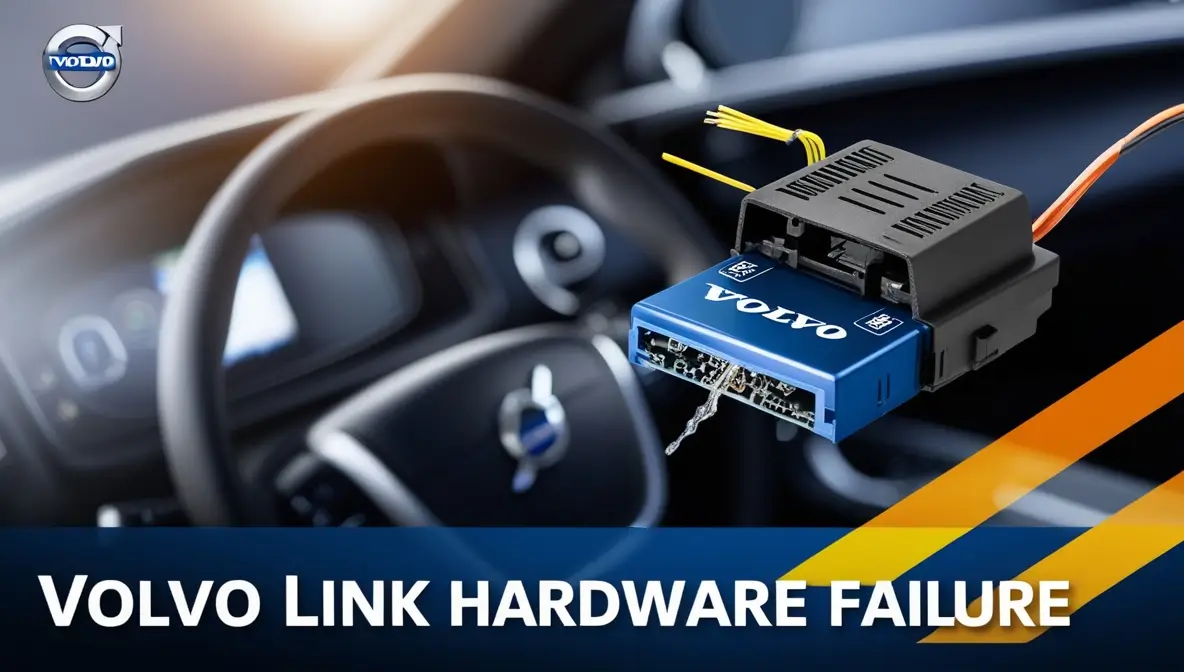
If your 2002–2008 Volvo (such as an XC90, S60, V70, or S80) displays the warning message “Volvo Link Hardware Failure” or “Volvo Link System Error” on the Driver Information Module (DIM), the vehicle does not have a mechanical defect. Volvo Link was a legacy telematics and roadside assistance system operating on analog (AMPS) and early 2G cellular/satellite networks that were permanently decommissioned years ago. Today, the obsolete module causes cluster warnings and parasitic battery drain unless properly bypassed.
Root Cause
Decommissioned Analog / 2G Carrier Networks
Biggest Hazard
Parasitic 12V Battery Drain (Dead Car Overnight)
Permanent Fix
VIDA Deconfiguration or Module Fuse Pull
What Was Volvo Link & Why Is It Failing Now?
Introduced in early 2000s P2-chassis Volvos, Volvo Link was the predecessor to modern Volvo On Call. Featuring an overhead console with green “Wrench” and red “SOS” buttons, the system relied on the Orbcomm Low Earth Orbit (LEO) satellite constellation and analog cellular towers to transmit crash telemetry and GPS location.
When the FCC approved the complete shutdown of analog cellular networks and telecommunications providers refarmed 2G spectrum for 4G/5G, the Volvo Link transceivers were orphaned. The internal Telematic Control Unit (TCU) continuously sends handshake pings searching for dead frequencies. When internal backup lithium cells inside the unit corrode or memory buffers overflow, the vehicle’s Central Electronic Module (CEM) registers a hardware failure code.
🔋
THE DREADED PARASITIC 12V BATTERY DRAIN
The most severe consequence of a failing Volvo Link module is overnight battery death. When you turn off and lock the vehicle, the Controller Area Network (CAN bus) is supposed to enter low-power sleep mode (drawing under 0.03 amps). A malfunctioning Volvo Link module repeatedly wakes the CAN network every few minutes searching for satellite signals, pulling 0.5 to 1.2 amps of parasitic draw that will completely drain a healthy 12V battery in 48 hours.
3 Ways to Permanently Resolve or Bypass Volvo Link Failure
1
Solution 1: Remove the Dedicated Telematics Fuse (Free DIY)
The fastest and simplest way to stop battery drain and silence the system without tools is pulling the fuse that powers the Volvo Link transceiver. In the XC90, access the rear cargo fuse panel behind the left-hand removable trim panel. Pull Fuse #28 (or Fuse #31 depending on production year) labeled “Volvo Link / Telematics”. Removing this fuse cuts power to the radio transmitter, halting battery drain immediately.
2
Solution 2: Physical Hardware Module Disconnection
If you want the module completely out of your car, locate the physical silver telematics box (located under the front passenger seat carpet in S60/V70/S80, or beneath the rear cargo load floor in XC90). Disconnect the green and grey wiring harness connectors and insulate the plug ends.
3
Solution 3: Official Volvo VIDA Software Deconfiguration
To extinguish the cluster message permanently and clear the yellow warning triangle without any error codes returning, a Volvo specialist or dealer can connect via VIDA diagnostic software. Volvo released an official Technical Journal (TJ 14210) allowing retailers to download a software reload that deconfigures “Volvo Link” from the vehicle’s Car Configuration File (CCF). Once deleted from the CEM profile, the instrument cluster permanently ignores the missing hardware.
Interactive Volvo Link Troubleshooting & Solution Selector
Select your Volvo model and symptom to get the exact fuse location and remedy:
Volvo Link Failure Matrix: Symptoms vs Practical Solutions
| Failure Symptom | Underlying Root Cause | DIY Solution | Shop / Dealer Fix | Cost Impact |
|---|
| “Volvo Link System Error” | Module internal self-test failure / dead network | Pull telematics fuse | VIDA software deconfiguration | $0 (DIY) to $120 (Shop) |
| Overnight Battery Drain | Module prevents vehicle CAN bus from entering sleep | Pull Fuse #28 / #31 (Cargo box) | Disconnect hardware harness | $0 (Stops drain 100%) |
| Flashing Green/Red Overhead LEDs | Satellite handshake timeout loop | Unplug module under seat/cargo | Disable module node in CEM | $0 (DIY) |
Cause:
Dead network communication
Quick Fix:
Pull telematics fuse
Permanent:
VIDA software de-config
Cause:
Prevents sleep (0.8A draw)
Quick Fix:
Pull Fuse #28/31 immediately
Cost:
$0 (Zero dollars)
Frequently Asked Questions About Volvo Link Failure
Can Volvo Link be upgraded to 4G LTE or 5G so it works again?
No. Volvo Link was built around obsolete proprietary 1st-generation telematics hardware integrated directly into the vehicle’s low-speed CAN network. Unlike modern 2015+ Volvo On Call systems that had 3G-to-4G modem upgrade campaigns, there is no hardware upgrade path for 2002–2008 Volvo Link. The system is permanently defunct.
Will pulling the telematics fuse affect my stereo, airbags, or climate control?
No. On P2-generation Volvos (XC90, S60, V70, S80), the Volvo Link module is on an isolated power branch. Removing the dedicated telematics fuse does not affect your radio, climate controls, instrument speedometer, or Supplemental Restraint System (airbags).
Can I press the ‘READ’ button on the turn stalk to clear the warning message?
Pressing the ‘READ’ button on the left turn signal stalk will temporarily dismiss the warning text from the instrument cluster display. However, the message will re-appear every time you turn on the vehicle until you pull the fuse or deconfigure the node with VIDA.
Does Volvo Link failure prevent my car from passing state vehicle inspection?
In almost all jurisdictions, no. Volvo Link is a convenience telematics accessory, not an emissions or safety-critical powertrain component. It does not illuminate the OBD-II Check Engine light (MIL) or trigger OBD-II emissions readiness failures.