
What Is Volvo Link Hardware? From the 2002 Satellite Box to Volvo Connect

The short answer: Volvo Link hardware is the factory-installed telematics system in Volvo trucks — a built-in modem and GPS setup that lets the truck talk to the outside world. Launched in 2002 as a two-way satellite messaging system, it has evolved into the 4G Telematics Gateway that feeds today’s Volvo Connect fleet portal with position, fuel, fault-code, and driver-behavior data. Its purpose is simple: keep the truck, the fleet office, and Volvo’s support network connected so problems get spotted before they strand a load.
Key Takeaways
- Volvo Link (2002) was one of the first factory-integrated satellite communication systems offered by any truck maker — messaging and tracking without a separate aftermarket box.
- The hardware lives inside the dash: a proprietary modem plus a hidden GPS antenna, with the driver messaging through the in-dash Driver Message Center using the wiper control arm.
- Today’s version is the factory 4G Telematics Gateway feeding Volvo Connect (launched October 2023): live location, fuel, idle time, fault codes, remote diagnostics, and over-the-air updates.
- Who uses it: fleet managers and dispatchers for tracking and reporting, Volvo Action Service for breakdown support, and Volvo’s own remote-diagnostics team for uptime monitoring.
- Cost history: at launch the service was about $14.95 per truck per month plus per-message fees; Volvo Connect is included at no charge for two years on new model-year 2025 trucks.
Two Generations of the Same Idea
Ask what “Volvo Link hardware” is and you’ll get two answers depending on who’s talking, because the name covers two generations of technology. The original Volvo Link, introduced in March 2002, was a two-way satellite communications system — a direct competitor to Qualcomm’s OmniTRACS, aimed at owner-operators and small-to-mid-size fleets that wanted messaging and tracking without the cost and complexity of a third-party system. Messages traveled over a network of 30 low-earth-orbit satellites, which meant coverage in places cell phones couldn’t reach.
The modern incarnation is cellular rather than satellite: a factory-installed 4G Telematics Gateway that streams truck data into Volvo Connect, the all-in-one fleet management portal Volvo Trucks North America launched in October 2023. The name on the box changed, but the hardware’s job description didn’t — it’s still the truck’s always-on connection to the office and to Volvo.
What the Hardware Actually Is
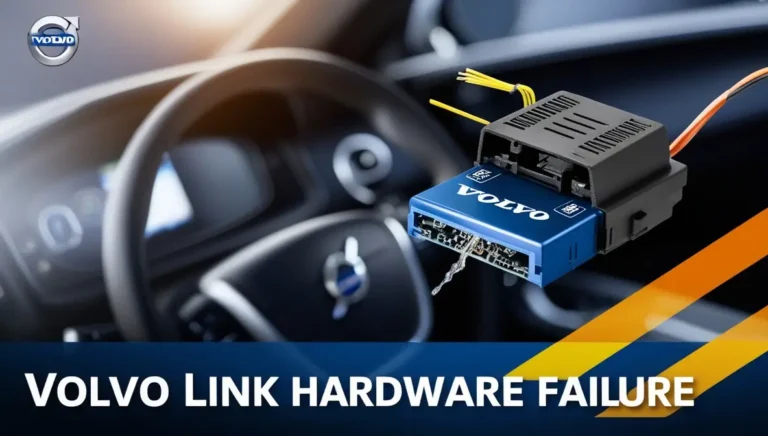
Strip away the branding and the hardware is refreshingly simple: a telematics control unit — essentially a rugged, truck-grade modem with a GPS receiver — wired into the vehicle’s data bus. In the original Volvo Link, the high-performance modem was mounted inside the dashboard and the GPS antenna was deliberately hidden, a design choice Volvo promoted as a theft-recovery feature: a stolen truck could be located even if the thief knew to look for the equipment.
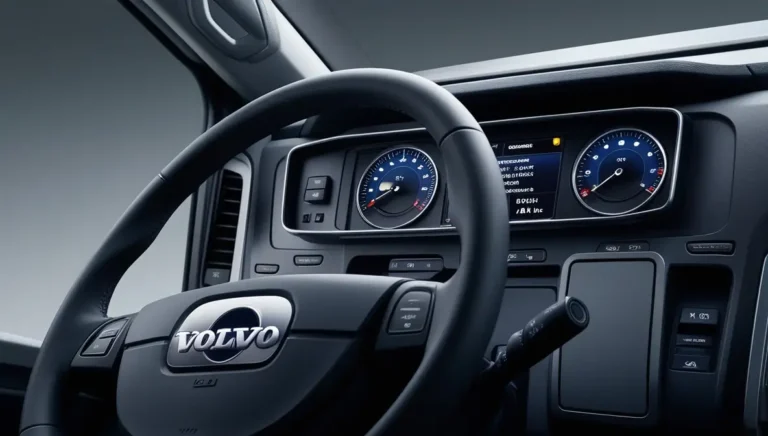
The driver interface was equally clever for its time. There was no keyboard in the cab. Instead, drivers composed and read messages on the Driver Message Center — the LCD display already built into the dash of every 2000-and-newer Volvo — scrolling through pre-formatted messages (or building custom ones) using the windshield wiper control arm on the steering column. In 2002, that was genuinely novel: text messaging with a truck, no laptop required.
Today’s 4G Telematics Gateway does the same job over cellular networks instead of satellites, and the driver-facing messaging app has largely been absorbed into smartphones and fleet apps. The physical box is still factory-installed and integrated with the truck’s electronics — Volvo points out that it was the first truck OEM to offer proprietary factory-equipped telematics hardware — but what changed most is the software on the other end: instead of a browser page showing dots on a map, fleets now get Volvo Connect’s analytics, fault-code monitoring, and remote programming.
What Data the Truck Sends
The hardware’s purpose is data collection, and the data falls into four buckets:
- Position and activity: real-time location, minute-by-minute route history, speed, and distance traveled — plus geofence arrival and departure notifications, traffic data for the route ahead, and nearby Volvo dealer locations if something goes wrong.
- Fuel and energy: fuel level, fuel consumption, idle time, and — on electric trucks — battery level, charging status, range, and charging notifications.
- Faults and health: diagnostic trouble codes from the truck’s systems, visible in Volvo Connect as Remote Diagnostics events, with ASIST case history so fleets can schedule repairs before a small code becomes a roadside failure.
- Driver behavior and compliance: seat-belt status, overspeed events, harsh driving indicators, and idle-shutdown/maximum-road-speed parameter checks, all feeding exportable reports fleets use for coaching and compliance.
The reports are deliberately truck-specific — the data granularity you can’t get from a generic GPS puck, like whether the idle-shutdown timer is actually set correctly for the truck’s assignment, or which trucks have fault events waiting to be addressed versus which have over-the-air software updates pending.
Who Reads It: The Three Audiences
Fleet managers and dispatchers are the primary users. Through Volvo Connect they see the whole fleet on one map, pull fuel and idle reports, and check that every truck’s parameters match its job. The fleet side has always been browser-based — at the 2002 launch, Volvo hosted everything on its own servers so fleets needed nothing more than a PC and an internet connection — and that philosophy survived into the Connect era.
Volvo Action Service (VAS), Volvo’s 24/7 breakdown support network, is the second audience. The Link Sentry service, introduced on the VT 880 for the 2006 model year, piped vehicle information to VAS so support staff could assist drivers with scheduling service at a dealership. That pipeline — truck talks to Volvo, Volvo talks to the driver — is the direct ancestor of today’s Remote Diagnostics monitoring, where Volvo can spot a fault, open an ASIST case, and have a repair scheduled at the driver’s convenience rather than at the worst possible moment.
The truck itself is arguably the third audience now. Remote Programming — over-the-air software updates pushed through the gateway — means the hardware isn’t just reporting anymore; it’s how the truck receives fixes. Volvo Connect flags which trucks have updates available and lets fleets keep them current without a shop visit.
Volvo Link vs. Volvo Connect: What Changed
The side-by-side makes the evolution clear. Everything the 2002 system did, the current system does — plus the diagnostics and analytics that only became possible once the truck’s data volume grew.
| Feature | Volvo Link (2002) | Volvo Connect (2023–) |
|---|---|---|
| Connection type | Two-way satellite (30-satellite LEO network) | 4G cellular via factory Telematics Gateway |
| Driver messaging | Wiper-arm control, pre-formatted and custom texts on Driver Message Center | Superseded by fleet apps; focus shifted to data |
| Position tracking | GPS location, route info | Live map, minute-by-minute history, geofences, traffic |
| Vehicle data | Mileage, fuel economy, engine/idle time, diagnostics | Fuel, idle, speed, seat-belt, fault codes — near real-time |
| Maintenance support | Link Sentry + Volvo Action Service on VT 880 | Remote Diagnostics, ASIST cases, Remote Programming (OTA updates) |
| Fleet interface | Browser-based portal on Volvo servers | Volvo Connect portal + app, exportable analytics reports |
| Availability | Factory option on VN/VHD; retrofit in ~3 hours | Factory hardware; 2 years included on MY2025 trucks |
How the Data Flows
The journey from piston to portal looks like this:
Is It Worth It? Depends on Who You Are
A Note on Privacy
Drivers should know what’s being collected. The hardware tracks location, speed, seat-belt use, and driving behavior — legitimately useful for safety coaching and compliance, but it is surveillance-grade data. Best practice is straightforward: disclose the monitoring to drivers in writing, limit portal access to people who need it, and check the rules in your operating states before using the data for discipline. The technology is neutral; the policy around it is what keeps a fleet out of trouble.
Frequently Asked Questions
Is Volvo Link the same as Volvo Connect?
Not exactly. Volvo Link is the hardware lineage — the original 2002 satellite system and its successor, the factory 4G Telematics Gateway. Volvo Connect is the current software portal (launched October 2023) that displays the data the hardware sends. Think of Volvo Link as the truck’s connection and Volvo Connect as the window you look through.
Can I drive my truck without Volvo Link hardware?
Yes. The hardware handles communications and reporting only — it doesn’t control the engine, brakes, or any safety system. If the gateway fails, the truck drives normally; you simply lose remote tracking, messaging, and remote diagnostics until it’s repaired.
What does the Volvo Link hardware cost?
At its 2002 launch, service ran about $14.95 per truck per month plus roughly 20 cents per message, with a $100 startup fee. Pricing has changed many times since; the current Volvo Connect portal is included at no charge for two years on all new model-year 2025 Volvo trucks, with paid plans after that. Check with your dealer for current rates on older trucks.
Does Volvo Link hardware track the driver, and is that legal?
It tracks the truck — which effectively means the driver on duty — recording location, speed, seat-belt use, and driving events. Fleet telematics is legal in the US, but fleets should disclose monitoring to drivers and be aware that some states restrict how the data can be used, particularly for discipline. Written policies and limited portal access are the industry-standard approach.
Can Volvo Link hardware be retrofitted to an older truck?
The original system could be retrofitted to any 2000-or-newer VN or VHD in about three hours of shop labor. For the modern 4G gateway, retrofit availability depends on the truck’s electronics generation — newer trucks were built with the hardware as standard, and older ones may need dealer evaluation. Your Volvo dealer can confirm what’s possible for a specific VIN.