How to Remote Start a Volvo XC90 With the Key Fob?

If your XC90’s key fob has a little light-bulb icon button you’ve never used, there’s a good chance that’s your remote start — and the trick to activating it takes about three seconds once you know the sequence.
TL;DR
- The key fob sequence is press Lock, then hold the Approach Light button for at least 2 seconds.
- This requires a five- or six-button key fob with the light-bulb icon — three-button fobs can’t do it.
- The vehicle must be parked, in Park, and fully locked before it will respond.
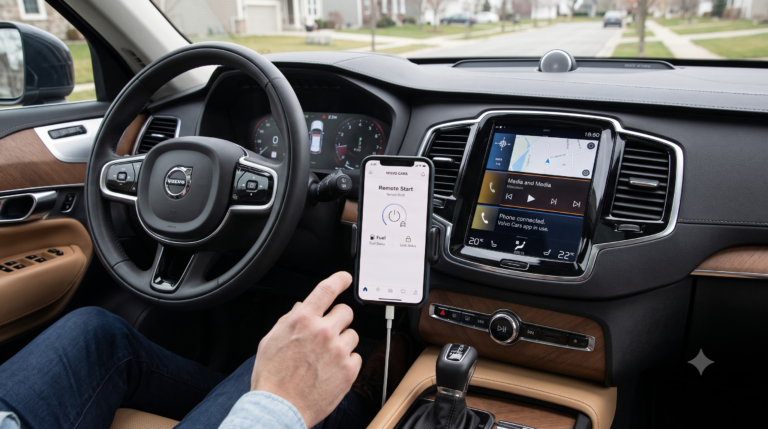
- On many current XC90s, remote start is standard through the Volvo Cars app, with the fob as a secondary option.
- The engine runs for about 15 minutes per activation, and shuts off immediately if you unlock the doors.
The Quick Answer
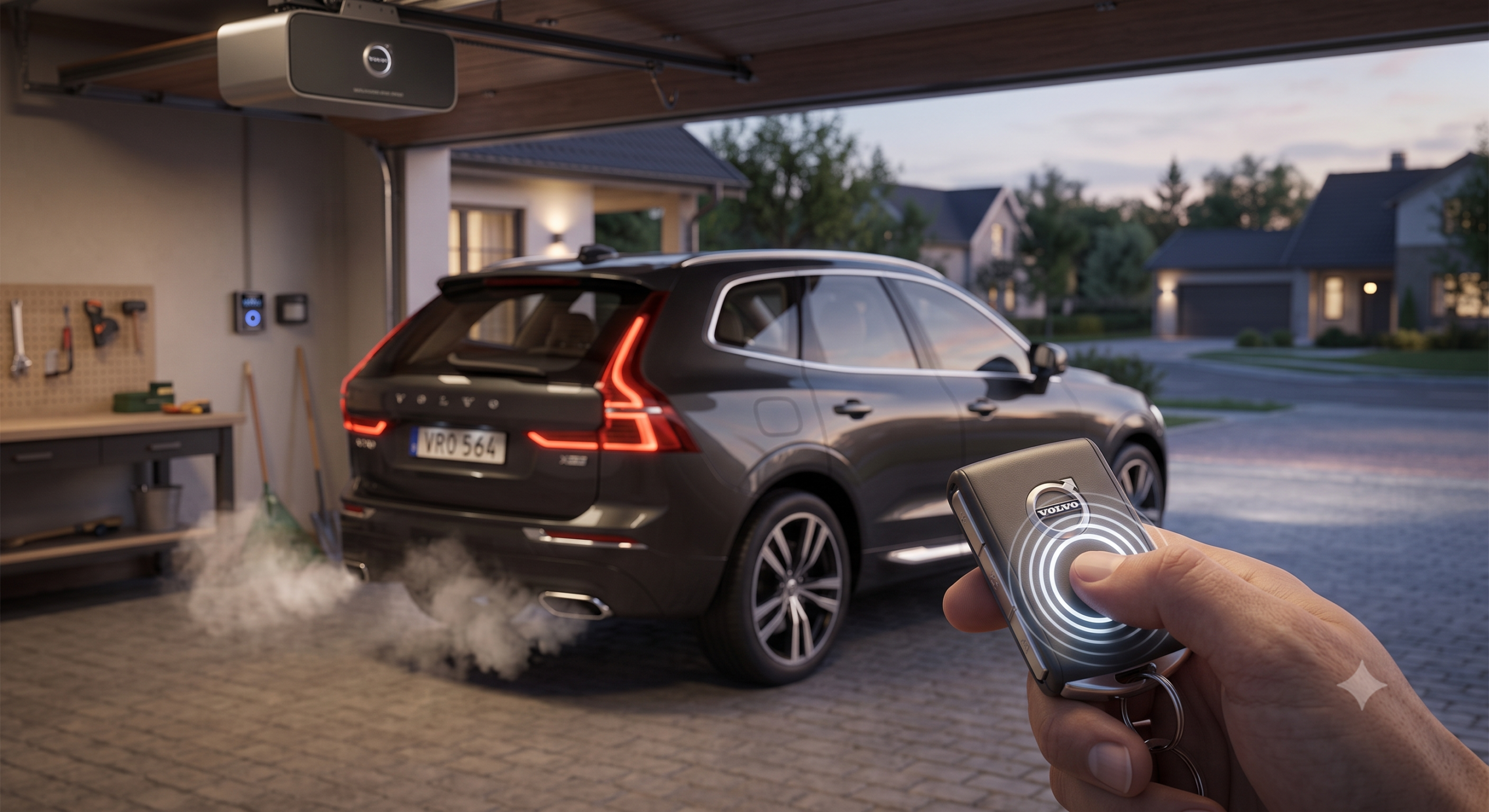
To remote start a Volvo XC90 with the key fob, make sure the vehicle is parked, in Park, and locked, then press the Lock button followed by pressing and holding the Approach Light button (the one with the light-bulb icon) for at least two seconds. The turn signals will flash to confirm, and the engine starts along with your pre-set climate settings.
Check Your Key Fob First
This is the step that trips up the most owners.
Quick Tip: Look at your fob for a button with a light-bulb icon below the lock button — that’s the Approach Light button remote start depends on. If your fob only has lock, unlock, tailgate, and emergency buttons with no light icon, your key physically can’t do this, and you’ll need the Volvo Cars app instead.
Pull quote: No light-bulb icon on the fob means no key-fob remote start — full stop.
How to Remote Start With the Key Fob
Follow this exact order for the best results.
- Confirm the XC90 is parked, in Park gear, and locked with all doors and windows closed.
- Press the Lock button once on the key fob.
- Immediately after, press and hold the Approach Light button for at least 2 seconds.
- Watch for the turn signal lights to flash — that confirms the system has received the command.
- The engine starts, and climate control activates based on your last settings.
Real-world scenario: You’re loading groceries into a hot car in July. Locking up first, then holding that light-bulb button for two seconds gets the AC running and the cabin cooling down before you even walk back to the door.
Expert Insight: If you unlock the car after remote start has kicked in, the engine will shut off automatically as a security measure — so hold off on unlocking until you’re actually ready to get in and drive.
How Long It Runs
- Remote start typically keeps the engine running for around 15 minutes before automatically shutting off.
- If you need more time, you can generally repeat the sequence to restart the countdown.
- Once you’ve used the remote-started window, starting the vehicle normally with the key resets the cycle for next time.
- A very low fuel level can prevent activation altogether, since the system checks this before starting.
If Your Fob Doesn’t Have the Approach Light Button
This is common enough that it’s worth covering directly.
- Some model years and trims came with a basic remote entry fob rather than the full remote-start-capable version.
- In that case, remote start is accessed through the Volvo Cars app instead, often bundled with a Volvo service subscription.
- A replacement key fob with the correct button layout may restore key-based remote start on supported model years, ordered through a Volvo dealer.
Quick Tip: Before assuming your XC90 lacks remote start entirely, check whether it’s simply routed through the app — many current-generation XC90s use the app as the primary method rather than the fob.
Comparing Key Fob vs. App-Based Remote Start
| Feature | Key Fob | Volvo Cars App |
|---|---|---|
| Requirement | Fob with Approach Light button | Volvo ID and active subscription on some models |
| Range | Roughly line-of-sight/short range | Works anywhere with cell signal |
| Extra features | Basic start only | Climate pre-set, vehicle finder, lock/unlock, scheduling |
| Best for | Quick activation without a phone | Starting the car well before you’re anywhere near it |
Pros & Cons by Owner Type
The owner with an older or standalone fob
- Pros: Fob-based start is instant and needs no app, login, or signal
- Cons: Only works if your specific fob has the Approach Light button
The app-first owner
- Pros: The Volvo Cars app offers scheduling, cabin pre-conditioning, and works from much farther away
- Cons: Requires a subscription on some models and a working phone connection
The owner missing the feature entirely
- Pros: A replacement key fob or aftermarket remote-start module can add the capability
- Cons: Aftermarket installs vary in reliability and may involve added cost
Choose the key fob method if your fob has the light-bulb button and you want the fastest possible activation. Choose the app instead if your fob doesn’t support it, or you want to start the car well before you’re within fob range.
FAQ
Why won’t my XC90’s key fob remote start work? The most common reason is a fob without the Approach Light button — check for that light-bulb icon before troubleshooting anything else.
Does remote start work if the car isn’t locked? No — the vehicle needs to be locked and in Park before remote start will activate, as a built-in safety and anti-theft check.
How do I stop the engine after remote-starting it? Pressing the Approach Light button again typically shuts the engine off before the automatic 15-minute cutoff.
Can I remote start my XC90 with a nearly empty gas tank? The system is designed to check fuel level first and may not activate if it’s too low, to avoid running the tank dry unattended.
Is remote start available on every XC90 trim? Not necessarily — availability depends on the key fob variant and trim, so confirming with your specific vehicle or a dealer is worth doing if you’re not sure.
Key Takeaways
- Look for the Approach Light (light-bulb) button on your fob — it’s required for key-based remote start.
- The sequence is Lock, then hold Approach Light for 2+ seconds.
- The car must be locked and in Park before it will respond.
- Each activation runs about 15 minutes, and unlocking the car stops it immediately.
- No light-bulb button means you’ll rely on the Volvo Cars app instead.
Next Step
Check your key fob for that light-bulb icon today — if it’s there, you’ve likely had remote start this whole time without realizing it.